Grok ImagineGrok AI Video
Grok AI Video
Generator
Turn any prompt or photo into cinematic, sound-rich AI video in seconds. Free, no signup, no credits — just describe your scene and watch it come to life.
★ 4.9/5 from creators2M+ clips generatedNo signup — 100% free
Imagine with Grok
Step 1 generates a real image anchor. Step 2 animates it into video.
Cinematic Reality
In Seconds
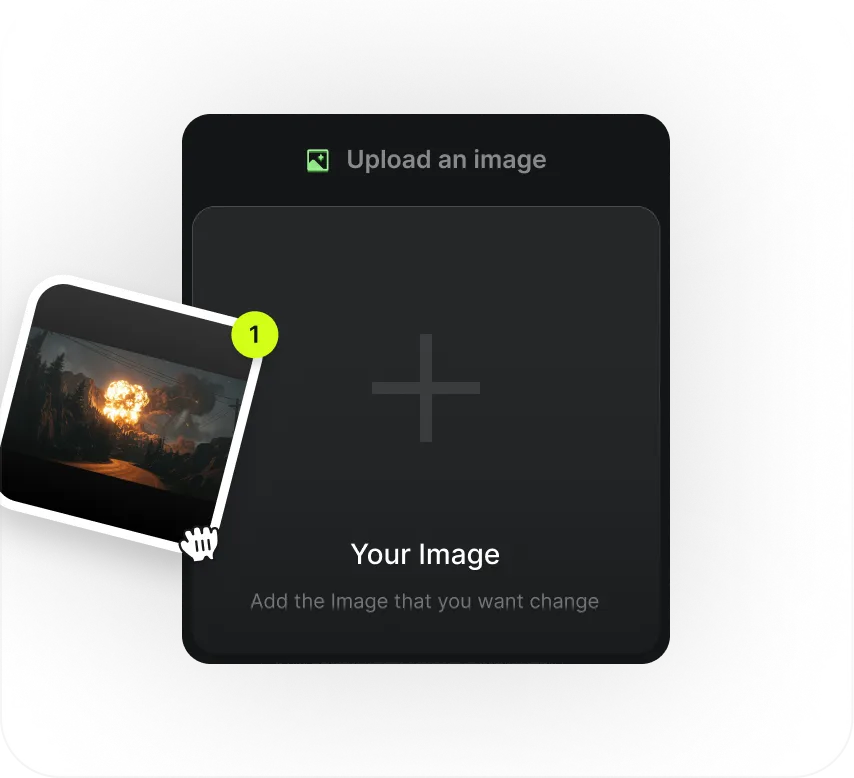
Input Image Reference
Drop in a photo to anchor your scene, or start from a pure text prompt — Grok works either way.
Write The Prompt
Describe the action, mood and camera in plain language. Grok understands motion, light and sound.
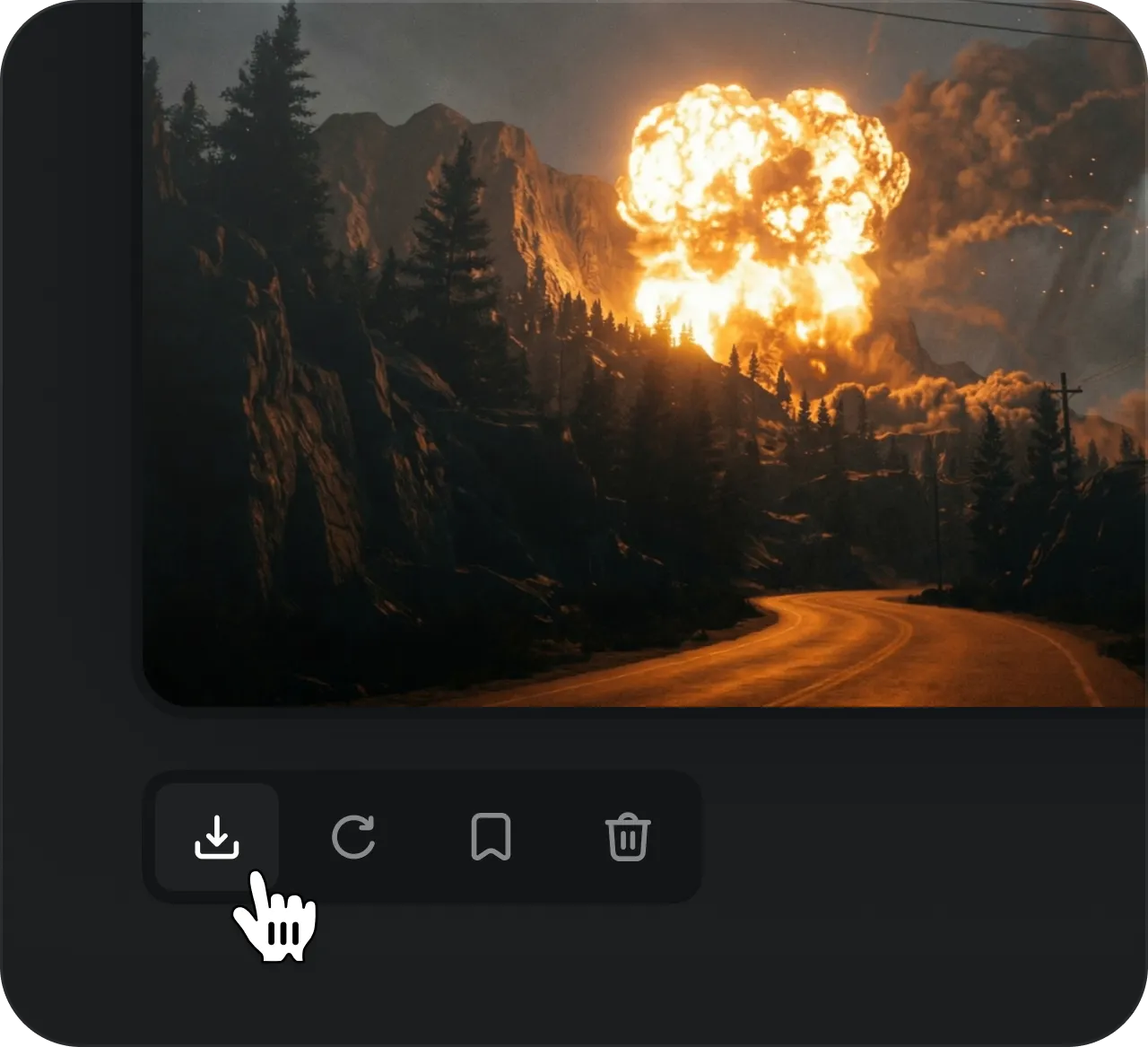
Generate With Grok
Hit generate and watch your idea come to life as a high-fidelity clip in seconds — free, every time.
Skip post-production. Grok AI Video turns a single prompt into a finished, sound-rich clip in seconds — visuals and audio generated together, so your scene doesn't just look real, it feels alive.
Try FreeZero-Shot Identity Preservation
Upload a single photo and the subject stays pixel-consistent — the same face, style and details across the entire clip.
Real-Time Multimodal Synthesis
Visuals and motion are generated together in a single pass — no stitching, no separate audio step, just one coherent scene.
Dynamic Camera & Physics Control
Describe dolly zooms, pans and focus pulls in plain language — Grok reads cinematic intent and moves the camera for you.
Industry-Leading Rendering Speed
First frames come back in seconds, not minutes — iterate fast, try more ideas, and keep every render completely free.
Advanced Applications
Audio-Visual Production
High-Octane Motion & SFX
Dynamic Action Production
Perfect for high-speed scenes. As subjects move, Grok generates spatial audio that follows the action — creating an immersive experience with zero post-production.
Marketing & Ads
Pro-Grade Commercial Assets
Transform static product photos into ready-to-publish ads. Combine image-to-video animation with perfectly matched voiceovers to explain complex products effortlessly.
Cinematic Concept Pre-Viz
Hyper-Realistic World Building
Generate true-to-life concept art in seconds. From complex light reflections to motion physics, Grok captures the nuance of high-end cinematography for rapid prototyping.
Try FreeCreated By A Growing
Creator Community
Join a global network of creators generating AI video, sharing ideas and inspiring each other every day — no gatekeeping, no paywall.
★★★★★
I've made more finished clips this week than in the last three months. Type a scene, get a cinematic video back in seconds — and it's genuinely free. This is the fastest AI video tool I've touched.
AAlexandre
★★★★★
New to AI video and I'm hooked. No account, no sign-up wall — I just described a shot and watched it come to life. The motion and lighting look way better than I expected for a free tool.
SSpock
★★★★★
I still can't believe we live in a time where you type a sentence and get a blockbuster-looking clip out the other end. Grok AI Video makes prototyping ideas ridiculously fast.
RRhaenys
MJKTrusted by thousands of creators worldwide
What Is Grok AI Video?
Grok AI Video is a free, no-signup tool that turns a text prompt or a single photo into a short, cinematic video clip in seconds. There's nothing to install and no account to create — you open the generator, describe the scene you're picturing, and get a finished clip back with motion, lighting and sound already worked in. Under the hood it follows the same Grok Imagine style image-to-video workflow that helped push AI video generation into the mainstream, so the results feel less like a slideshow and more like a real shot pulled from a film.
The flow is deliberately simple. You either write a scene in plain language or upload a reference image to anchor the look, and the Grok AI Video generator produces a high-quality image first — a still frame that locks in your composition, colour and subject. From there it animates that anchor into motion, adding camera movement, physics and spatial audio. That two-stage approach, text to video when you start from words and image to video when you start from a photo, is exactly the kind of pipeline the original Grok Imagine model made popular, and it's why a single sentence can become a coherent, believable clip instead of a jittery loop.
It's built for anyone who wants finished video without a production timeline. Creators use it for social clips and short cinematic shots, marketers turn static product photos into ready-to-run ads, and hobbyists spin up concept pre-viz, storyboards and motion tests just to see an idea move. Because every render is free and completely anonymous, there's no reason to ration your attempts — you can iterate on a prompt a dozen times, try different aspect ratios, and keep only the takes you love. The Grok Imagine lineage means the motion model handles tricky things like faces, reflections and fast action gracefully, so the AI video you get holds up even on the hard scenes.
Most AI video tools gate the good stuff behind sign-ups, credit packs or export limits. The Grok AI Video generator does the opposite: no login, no credits, no watermark upsell — just describe your shot and watch it come to life. If you've been curious about what a Grok Imagine style workflow can do but didn't want to pay to find out, this is the free, friction-free way in.
Got Any Questions Left?
We've answered the most frequently asked questions about Grok AI Video.
Grok AI Video is a free, browser-based AI video generator. You describe a scene in plain language (or start from a photo), and it produces a cinematic, sound-rich clip in seconds — no editing software and no post-production required.
Most clips come back in a matter of seconds. Grok generates an image anchor first, then animates it into motion — so you can preview, tweak your prompt and re-run fast without long waits.
Yes. Grok AI Video is completely free to use. There's no trial timer, no watermark upsell and no hidden paywall — just open it and start generating.
No. There are no accounts, no logins and no credit system. Nothing to sign up for and nothing to buy — you can start creating anonymously right away.
Cinematic short clips, product and ad animations, concept pre-viz, social videos, motion tests and more. Describe the action, mood and camera you want, and Grok brings it to life as video.
Get Insights From
The Grok AI Video Blog
Actionable hacks, prompt breakdowns and how-to guides to help you get the most cinematic results out of every generation.
Read Our Blog