Image To Video
Turn Any Photo Into Motion
Upload a single frame, describe the movement, and watch your picture animate into cinematic AI video. Free image to video powered by a Grok Imagine style workflow — no signup, no credits.
Step 1 generates a real image anchor. Step 2 animates it into video.
What Is Image To Video?
Image to video is the art of taking a still photo and turning it into a moving clip. Instead of generating a scene from scratch, you hand the model a frame you already love — a portrait, a product shot, a landscape — and it animates it. Grok's photo to video workflow keeps your subject intact while adding realistic motion, so the person, object or place in your picture actually moves the way you describe.
This is where a Grok Imagine style approach shines. The same image to video pipeline that made Grok Imagine popular starts from your reference frame and treats it as an anchor. From there it introduces camera movement, physics and atmosphere without drifting away from the original. That's the difference between a believable animated photo and a warped mess — the anchor keeps identity locked while the motion does the storytelling.
Because it works from your image, photo to video is remarkably precise. You already control the composition, the lighting and the subject; all you add is the movement. Describe a slow push-in, a gentle sway, flickering light or a dramatic camera arc, and the AI video that comes back honors both your still and your direction.
Photo To Video, Step By Step
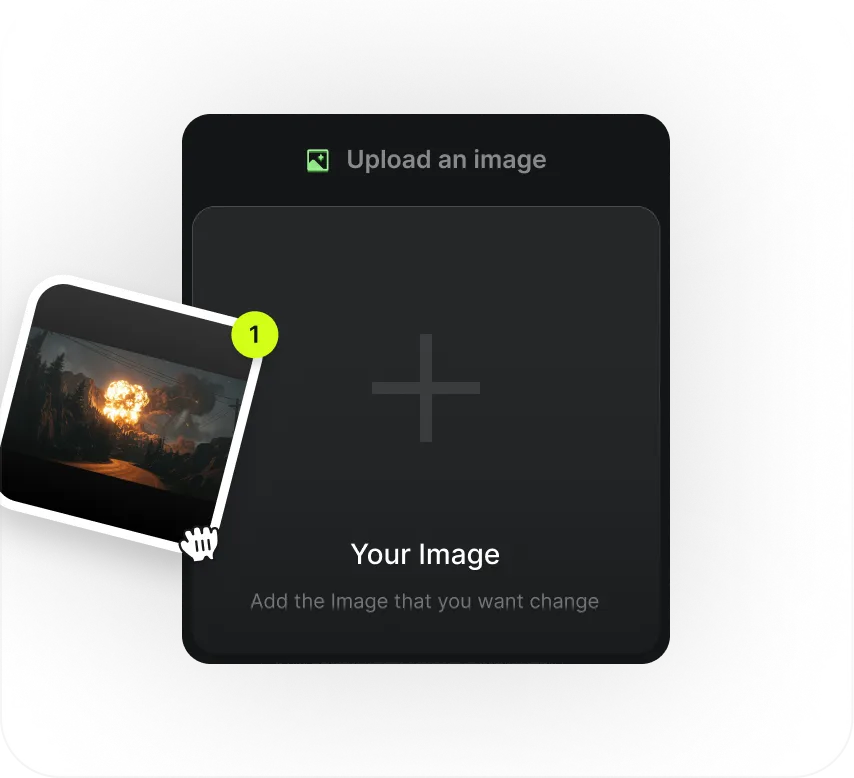
Add Your Photo
Start from any image — the frame becomes the anchor for your image to video render.
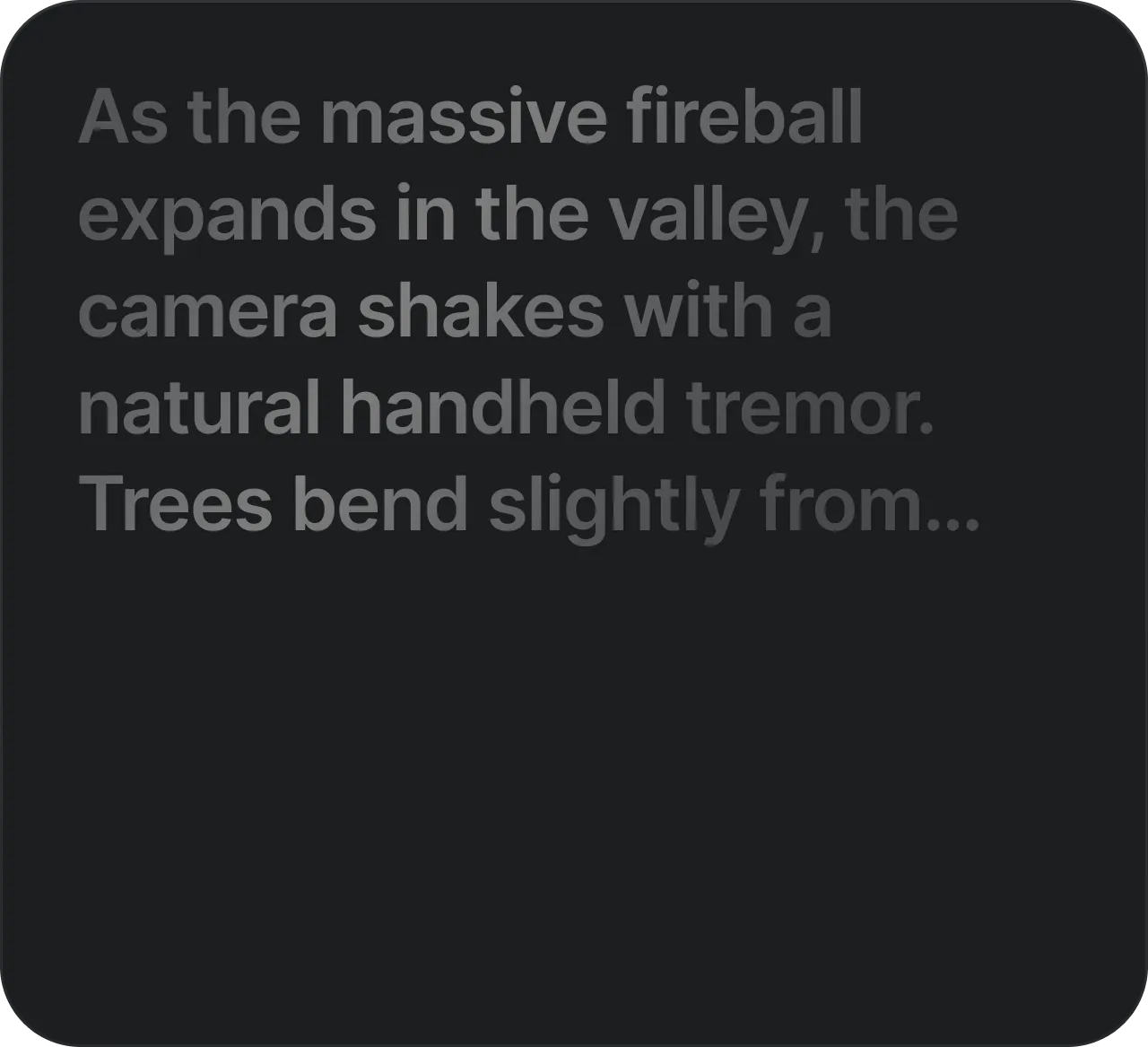
Describe The Motion
Tell Grok what should move — a push-in, a pan, drifting hair, flickering light — in plain language.
Watch It Animate
In seconds your photo becomes AI video — the same subject, now alive and in motion.
What To Make With It
Photo to video unlocks things a static image never could. Turn a product photo into a scroll-stopping ad where the item rotates and catches the light. Bring an old portrait to life with a subtle, respectful motion. Animate a concept illustration so a client can feel the idea, not just see it. Because the image to video tool is free with no credits, you can try every one of these on a single afternoon.
Creators love it for social because vertical clips perform, and a moving photo grabs attention in a feed full of stills. Marketers love it because the Grok Imagine style workflow keeps brand assets consistent — the exact product, the exact face — while adding polish. And storytellers love it because a single evocative frame, once animated, carries far more emotion than the photo alone.
The best part is how little it asks of you. No timeline, no keyframing, no render farm. Give the tool a picture, describe the movement, and let it handle the rest. If you have a photo you wish could move, the free image to video generator above is the fastest way to find out what it looks like as AI video.
Why Start From A Photo?
Starting from a photo gives you a head start that pure prompting can't match. When you already have an image you love, half the creative decisions are made — the framing, the subject, the light are all decided. Image to video simply adds the missing dimension: time. Instead of gambling on what a text prompt might conjure, you keep the exact look you chose and let the Grok Imagine style workflow bring it into motion.
That control matters most when identity is on the line. A specific face, a real product, a branded scene — these need to survive the animation intact, and photo to video is built to protect them. The reference frame acts as a contract: whatever moves, the subject stays recognisably itself from the first frame to the last. It's the difference between a clip that represents your idea and one that merely resembles it.
And it's fast enough to treat like play. Because the image to video tool is free with no credits, you can feed it the same photo with three different motion prompts and pick the best. Try a gentle drift, then a bold camera arc, then a subtle atmospheric shift. Each attempt costs nothing, so you learn what your images want to do — and end up with AI video that feels intentional rather than accidental.
Image To Video FAQ
You provide a photo as the anchor frame and describe the motion you want. The Grok Imagine style model then animates the image into a short AI video, keeping your subject consistent.
Yes. It's completely free with no signup, no credits and no watermark upsell. Animate as many photos as you like.
Yes. The workflow preserves the face, style and details of your reference photo across the whole clip, so the animated AI video looks like the same subject.
Clear, well-lit images with an obvious subject work best — portraits, products, landscapes or characters. Then describe the movement you want to see.